Find the incidents nobody wrote an alert for
Alerts catch the failures you predicted. The ones that hurt are usually the ones you didn't: a slow leak, a new error after a deploy, a dependency that degrades without crossing a threshold. SerOps looks at every window, not just the ones an alert points to.
The limit of alert-driven monitoring
Every alert is a guess made in advance: this metric, this threshold, this duration. New services ship without them, thresholds drift out of date, and many real problems never cross one: a 2% error rate that started with the last release, memory creeping towards a limit, a retry storm hidden inside normal-looking averages. By the time a customer reports it, the evidence is spread across several tools.
How SerOps works without alerts
- Every window is analysed. By default every 15 minutes, for each project and environment, SerOps collects the logs, metrics, trace summary, deploys and commits for that window.
- Sentinel decides if the AI is needed. It flags new error patterns, error-rate spikes, metric anomalies, deployments and regressions of past issues. Quiet windows skip the AI call; anything unusual goes to analysis. See Sentinel.
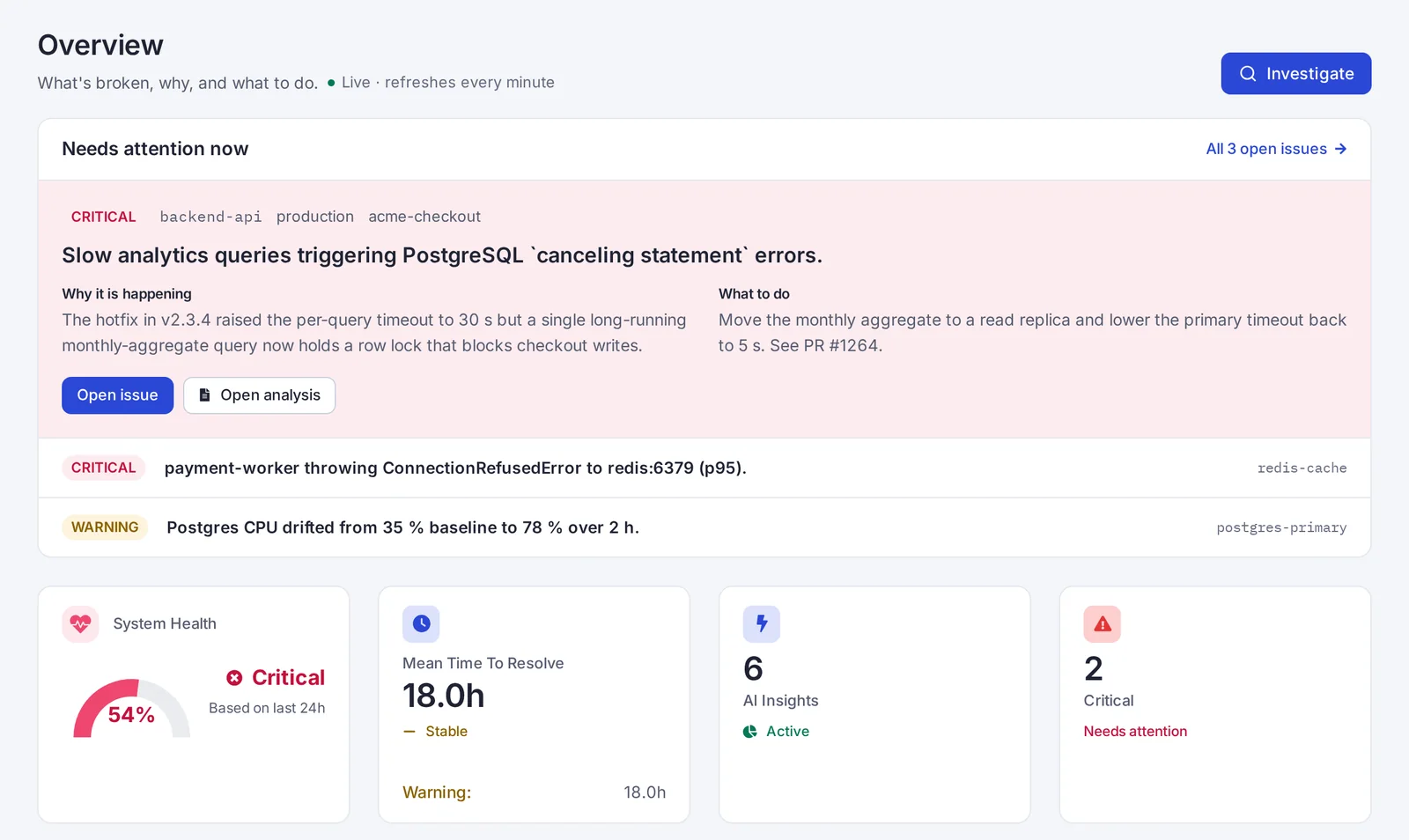
- The AI explains what changed. The result is a root cause, the issues behind it with a recommended fix, and the evidence, linked to the deploy or commit when there is one.
- Issues are deduplicated. A problem that recurs is one issue with a count and a last-seen time, not a stream of duplicate notifications.
Alerts still welcome
If you already have alerts, keep them. Forward Alertmanager, Grafana or Datadog alerts to SerOps and each one gets a root cause in about 30 seconds. When a customer reports something no alert caught, investigate any time window on demand.
Keeping AI cost predictable
Analysing every window does not mean paying for every window. Sentinel skips the quiet ones, a monthly budget caps spend, and you choose the provider, including a local model with Ollama for no per-call cost at all.
Frequently asked questions
Does SerOps replace my alerting?
No. Keep alerts for the failures you know; SerOps covers the ones you didn't predict, and explains the alerts you forward to it.
How often does SerOps analyse?
Every 15 minutes by default, configurable per organisation from 5 minutes to 12 hours in Settings → Data.
Won't analysing everything create noise?
Quiet windows are skipped by Sentinel, and issues are deduplicated across windows, so you see each problem once, with how often it recurs.
What does it need to start?
A log backend, ideally a metric backend, and a few labels on your data so services can be told apart. The quick start takes about 10 minutes.
See it on real data
The live demo runs on seeded incidents: no signup. Or run SerOps on your own infrastructure; it is free and open source (AGPL-3.0).